Manage Subscription
You manage your subscription in the license.deratix.com portal. There you can check your subscription status, edit your profile, purchase addons and review your order history.
Signing in to the portal
You can access the portal in two ways:
From the app
- In the sidebar, click Manage subscription (or the subscription widget)
- The system signs you in automatically using a secure link
Directly
- Go to license.deratix.com
- On the My account page, sign in with your email and password
Tip: Signing in from the app is more convenient because you do not need to remember the portal password.
Portal pages
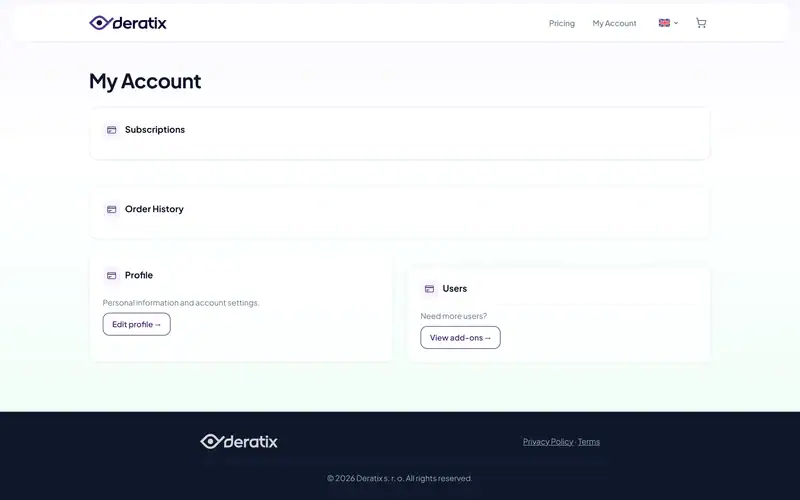
My account
The main overview after signing in. It includes:
- A link to subscription management
- A link to your profile
- A link to addons
- License status
Subscription
Detailed information about your subscription:
- Current plan — name and price
- Status — active, trialling, expired
- Next payment — date of the next billing cycle
- Options — change plan, cancel
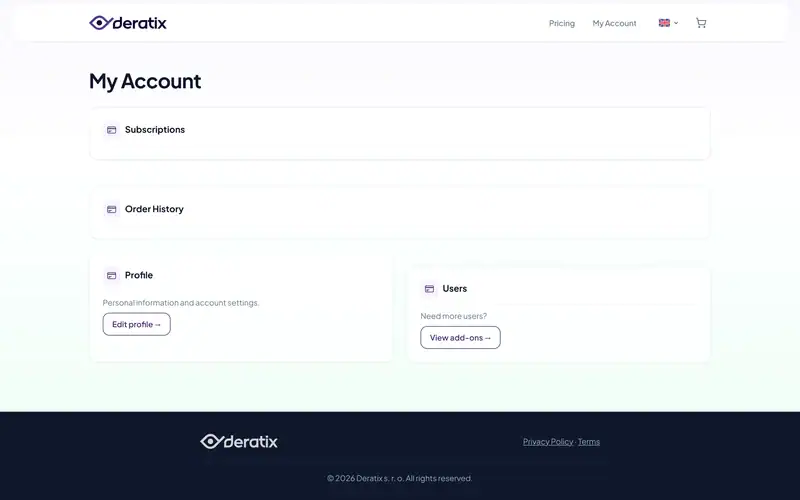
Profile
Edit your personal and billing details:
- First and last name
- Password
Addons
Purchase addon packages to increase the number of users:
- +5 users — for smaller team expansion
- +10 users — for medium-sized teams
- +100 users — for large organizations
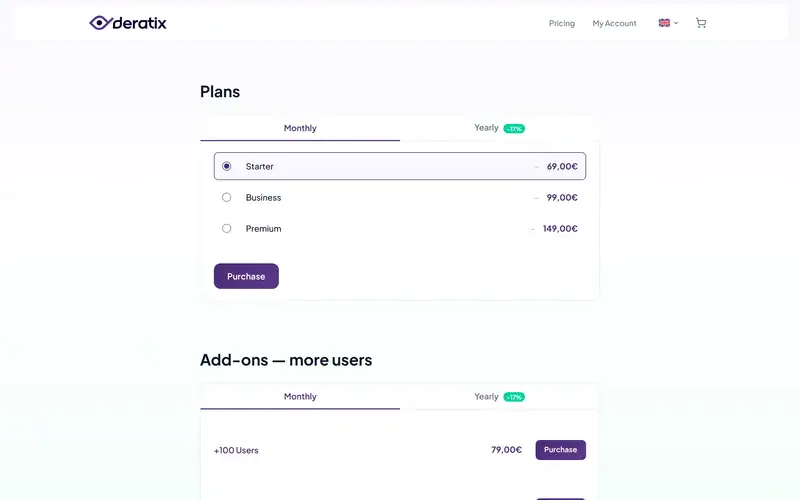
You can find more about addon pricing and purchasing in the billing section.
Order history
An overview of all your orders and payments, including:
- Order date
- Amount
- Status (paid, waiting for payment)
- Invoice link
Canceling your subscription
If you want to cancel your subscription:
- Go to the Subscription section
- Click Cancel
- The subscription stays active until the end of the current billing period
Important: Before canceling, we recommend that you export your data. After the grace period ends, the data is deleted.
Contact support
If you need help with subscription management, contact us at support@deratix.com.